.jpg)
Quick Answer:
CakePHP is a robust open-source PHP framework that enables developers to build web applications with speed and structure. It follows the Model-View-Controller (MVC) pattern, emphasizing convention over configuration, making it an excellent choice for rapid application development.
Introduction
CakePHP has become a cornerstone in the realm of PHP frameworks, offering developers a structured approach to application development. Whether you’re a seasoned developer or just starting, understanding CakePHP’s fundamentals can significantly enhance your productivity. This guide will walk you through everything you need to know about CakePHP, from its core concepts to advanced features, ensuring you have a comprehensive understanding of this powerful framework.
What is CakePHP?
CakePHP is an open-source web framework for PHP, inspired by Ruby on Rails. It provides a foundational structure for programmers to create web applications. CakePHP uses the Model-View-Controller (MVC) architecture, which separates application logic from presentation, ensuring that your code is organized and maintainable. With its emphasis on convention over configuration, CakePHP reduces the need for boilerplate code, allowing developers to focus on building unique application features.
Why Choose CakePHP?
Choosing CakePHP for your project comes with numerous advantages. Its built-in tools and features simplify development processes, offering:
- Rapid Development: With CakePHP’s conventions and scaffolding capabilities, you can quickly set up and prototype applications.
- Community Support: A large and active community provides extensive documentation, plugins, and support.
- Security: CakePHP comes with built-in security features, including input validation, form tampering protection, and CSRF protection.
- Scalability: CakePHP’s architecture supports the development of both small and large-scale applications.
Getting Started with CakePHP
To begin using CakePHP, you need to set up your development environment. This involves installing PHP, a web server (such as Apache or Nginx), and a database server (like MySQL). Once your environment is ready, you can install CakePHP using Composer, the PHP package manager:
- Install Composer from getcomposer.org.
- Create a new CakePHP project by running
composer create-project --prefer-dist cakephp/app my_app_name. - Configure your database connection details in
config/app_local.php.
Understanding MVC in CakePHP
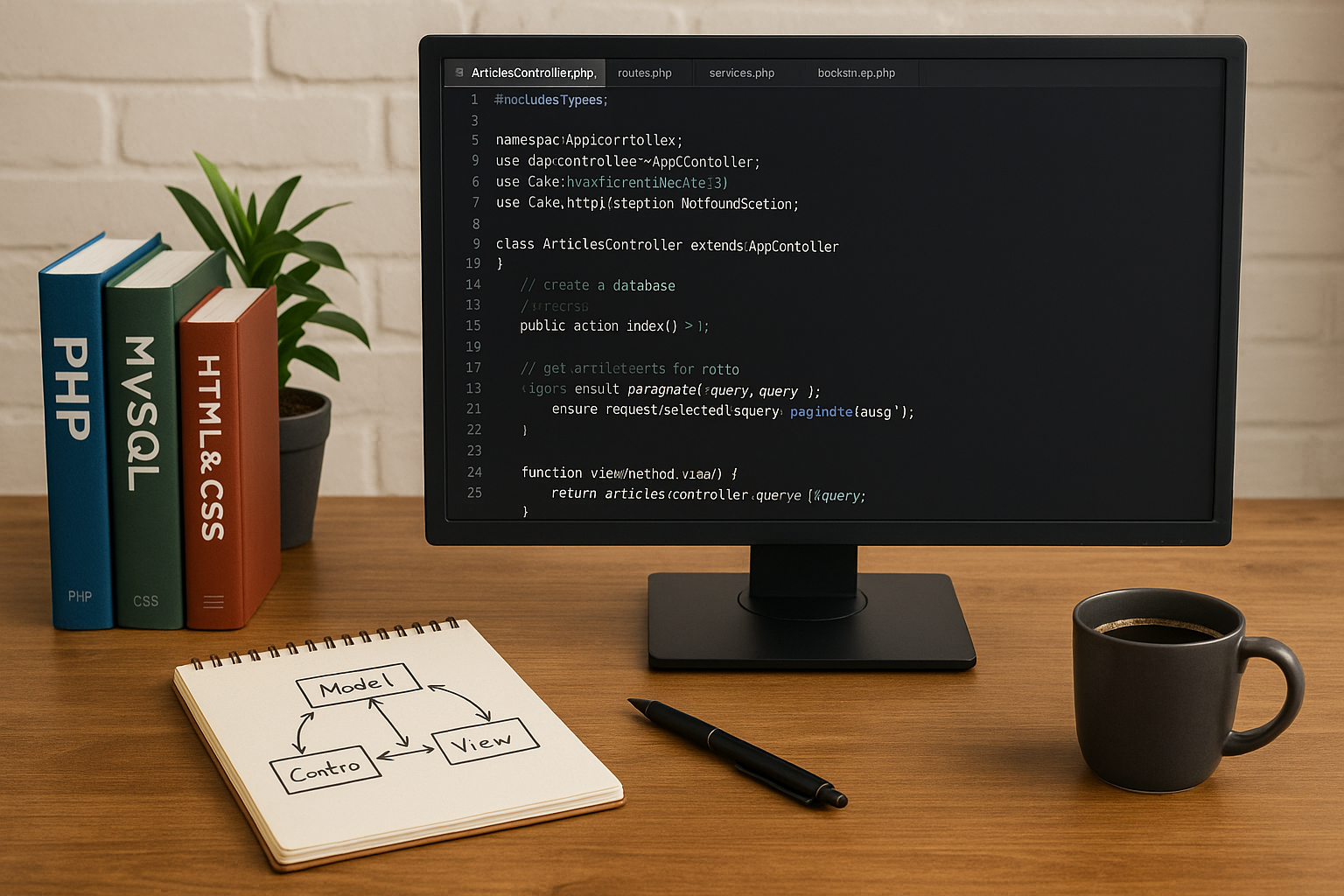
Model-View-Controller (MVC) is at the heart of CakePHP’s design. Each component plays a distinct role:
- Model: Represents the data structure. Models access and manipulate data, often interacting with the database.
- View: Handles the presentation layer. Views render the user interface, displaying data to users.
- Controller: Manages the application logic. Controllers handle user input and interaction, processing requests and returning responses.
Key Features of CakePHP
CakePHP is packed with features that simplify web development:
- ORM: CakePHP’s Object-Relational Mapping (ORM) allows for easy database interactions using PHP objects.
- Templating Engine: The built-in templating engine helps separate presentation from logic.
- Form Validation: Built-in validation methods ensure data integrity and user input validation.
- Routing: CakePHP’s flexible routing system lets you define URL patterns and map them to specific controllers and actions.
Building Your First CakePHP Application
Creating a basic application in CakePHP involves setting up models, views, and controllers. Start by defining your database schema and generating models using CakePHP’s console tools. Next, create controllers to handle application logic and views to define the user interface. Utilize CakePHP’s bake command to streamline this process:
- Run
bin/cake bake model ModelNameto generate a model. - Run
bin/cake bake controller ControllerNameto create a controller. - Create your views in the
src/Template/directory.
Common Mistakes and How to Avoid Them
When working with CakePHP, developers often encounter common pitfalls:
- Ignoring Conventions: CakePHP’s conventions simplify development. Straying from them can lead to confusion and errors.
- Improper Configuration: Ensure all configuration files, especially for database connections, are correctly set up.
- Neglecting Security: Always use CakePHP’s security features to protect your application.
Best Practices for CakePHP Development
To make the most of CakePHP, follow these best practices:
- Embrace Conventions: Stick to CakePHP’s conventions to avoid unnecessary complexity.
- Use Plugins: Take advantage of community-developed plugins to extend your application’s functionality.
- Regular Updates: Keep your CakePHP framework and dependencies up to date to benefit from the latest features and security patches.
Advanced Features and Customization
Once you’re comfortable with the basics, explore CakePHP’s advanced features like:
- Middleware: Customize request and response handling.
- Event System: Implement custom events to decouple components.
- Shell Scripts: Automate tasks using CakePHP’s shell command-line tools.
Conclusion
Mastering CakePHP can transform how you approach web development, providing a structured and efficient framework for building powerful applications. By understanding its MVC architecture, leveraging its features, and following best practices, you can develop robust and scalable web applications. Whether you’re building a simple website or a complex enterprise solution, CakePHP equips you with the tools necessary to succeed.