.jpg)
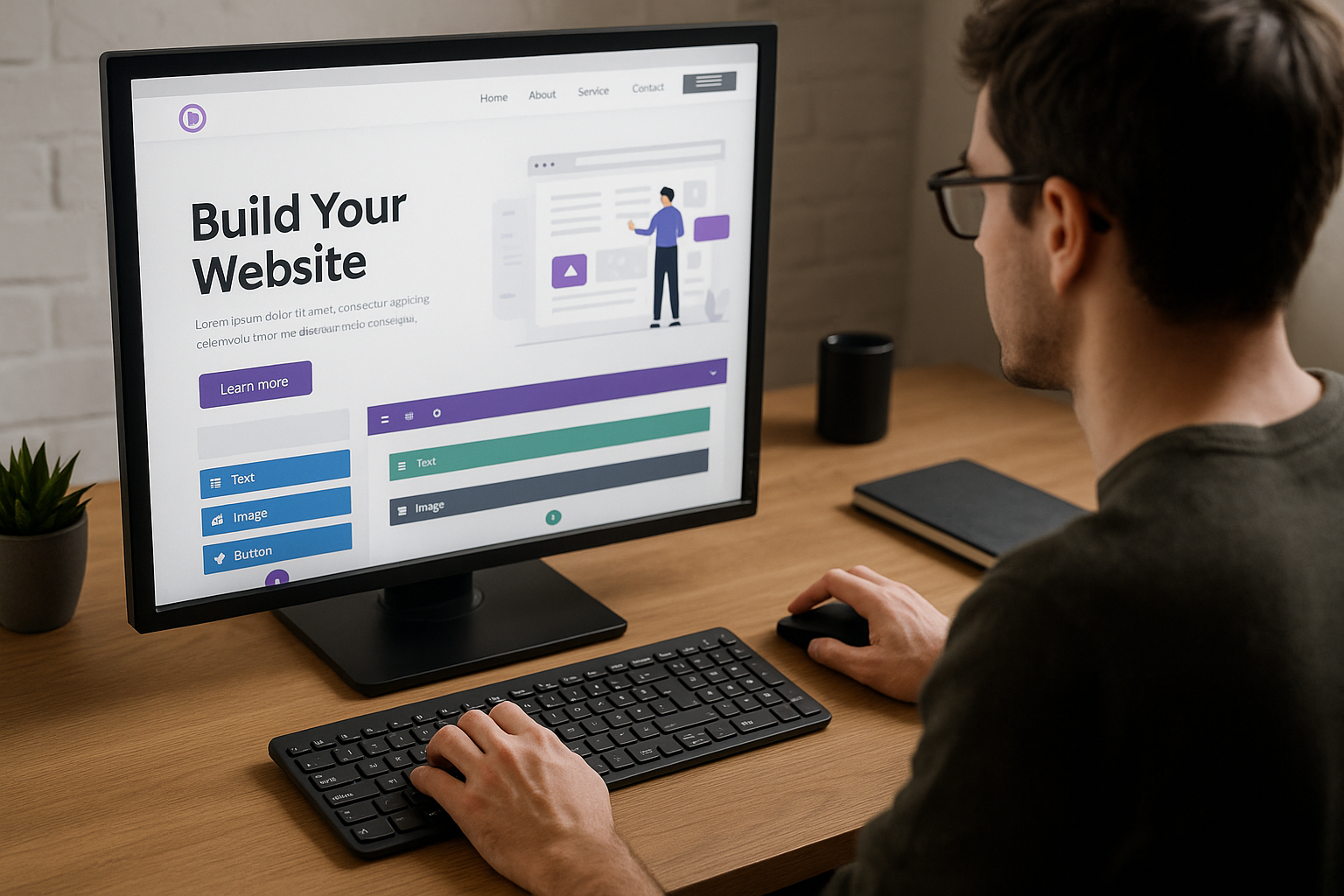
Quick Answer: Divi is a versatile WordPress theme renowned for its intuitive drag-and-drop builder, extensive customization options, and responsive design capabilities, making it a popular choice among web developers. This guide provides comprehensive insights and practical tips to help you master Divi, optimize your site for performance, and avoid common pitfalls.
Key Takeaways
- Divi is a versatile and popular WordPress theme known for its ease of customization.
- Setting up Divi requires understanding its unique features and customization options.
- Following best practices in performance, SEO, and design ensures optimal use of Divi.
- Common pitfalls include plugin overload, outdated themes, and lack of mobile optimization.
- Utilizing additional tools and community resources can significantly enhance your Divi projects.
About the Author
Written by Akash Soni, an experienced web developer specializing in WordPress and Divi theme customization.
For web developers looking to unlock the full potential of their WordPress sites, mastering the Divi theme is essential. Known for its comprehensive customization capabilities and user-friendly interface, Divi allows developers to create visually stunning and highly functional websites with ease. In this guide, we will delve into the unique features of Divi, providing a step-by-step approach to setting up and customizing your theme for optimal performance.
Whether you’re new to Divi or looking to refine your skills, this guide offers first-hand insights and practical tips from seasoned developers, ensuring you avoid common mistakes and leverage the best tools and resources available. By the end of this article, you’ll have a thorough understanding of how to utilize Divi to enhance your web development projects.
What Is Divi?
Divi is a robust WordPress theme and page builder developed by Elegant Themes, designed to simplify the website creation process with its intuitive visual drag-and-drop interface. It stands out for its flexibility, allowing users to customize every aspect of their site without needing extensive coding knowledge.
Why Divi Matters
Divi’s significance lies in its ability to empower developers to craft bespoke websites efficiently. Its popularity is attributed to the rich array of features, including pre-built layouts, responsive design options, and advanced design settings, which allow for both creativity and functionality. By mastering Divi, developers can significantly enhance their productivity and the quality of their web projects.
What Is Divi and Why Is It Popular?
Introduction to Divi
Divi is a highly versatile WordPress theme and visual page builder developed by Elegant Themes. It is known for its powerful drag-and-drop interface, allowing users to design websites without needing extensive coding knowledge. Over the years, Divi has gained immense popularity among web developers and designers, making it one of the most widely used WordPress themes today.
Divi’s unique selling point lies in its flexibility and ease of use, which empowers both novice and experienced developers to create stunning websites quickly. Its intuitive interface and extensive library of pre-designed templates enable users to streamline their web development process significantly.
Key Features of Divi
Divi offers a comprehensive suite of features that cater to diverse web development needs. Here are the core features that make Divi stand out:
- Visual Builder: Divi’s Visual Builder is a front-end editor that allows users to make real-time changes to their website with an intuitive drag-and-drop interface.
- Responsive Editing: Divi provides responsive design tools, enabling developers to customize the appearance of their website on different devices.
- Global Elements & Styles: Users can create and manage global elements and styles, ensuring consistency across the entire site while saving time on repetitive tasks.
- Advanced Design Settings: Divi offers advanced design customization options, including hover effects, custom CSS, and animation controls.
Tip 1: Take advantage of Divi’s extensive library of pre-made layouts to jumpstart your web development projects.
Tip 2: Utilize Divi’s role editor to control access and capabilities for different users, enhancing collaboration and security.
How to Set Up and Customize Divi for Your Website
Installing Divi
Setting up Divi on your WordPress site is a straightforward process. Follow these steps to install and activate Divi:
- Log in to your WordPress dashboard and navigate to Appearance > Themes.
- Click on Add New and then select Upload Theme.
- Choose the Divi ZIP file you downloaded from Elegant Themes and click Install Now.
- Once installed, click Activate to enable the Divi theme on your website.
Tip 1: Ensure your WordPress installation meets Divi’s minimum system requirements for optimal performance.
Tip 2: Regularly update Divi to the latest version to benefit from new features and security enhancements.
Customizing Themes with Divi
Divi provides a wide range of customization options to tailor your website’s appearance. Here’s how to customize your theme with Divi:
- Navigate to Divi > Theme Customizer in your WordPress dashboard.
- Explore the various customization options available, such as typography, header & navigation, buttons, and more.
- Use the live preview feature to see changes in real-time as you adjust settings.
Tip 3: Utilize Divi’s Theme Builder to create custom headers, footers, and layout templates for different sections of your site.
Tip 4: Leverage Divi’s color management tools to maintain a consistent color scheme throughout your website.
Using Divi Builder
The Divi Builder is a powerful tool that allows you to create complex page layouts with ease. Here’s how to get started:
- Open a page or post in your WordPress dashboard and click Use Divi Builder.
- Choose from three editing modes: Build From Scratch, Choose a Premade Layout, or Clone Existing Page.
- Utilize the drag-and-drop interface to add, remove, and customize modules and sections.
Tip 5: Experiment with Divi’s built-in split testing feature to improve conversion rates and user engagement.
For example, when I first started using Divi, I was impressed by how effortlessly I could design a responsive landing page. I utilized Divi’s premade layouts and customized them to fit my client’s branding, significantly reducing development time while maintaining a professional look.
What Are the Best Practices for Using Divi?
Optimizing for Performance
Mastering performance optimization in Divi is crucial for any web developer aiming to deliver fast-loading websites. Here are some best practices:
- Tip 1: Minimize HTTP Requests – Use Divi’s built-in options to combine CSS and JavaScript files. This reduces the number of requests your site makes, improving load time.
- Tip 2: Utilize Lazy Loading – Implement lazy loading for images and videos to ensure they load only when visible to the user, significantly enhancing page speed.
SEO Tips for Divi
Optimizing Divi for search engines involves strategic use of its features and tools. Consider these SEO tips:
- Tip 3: Use Descriptive Titles and Alt Text – Ensure all images have descriptive alt text and use keyword-rich titles for your pages and posts within Divi.
- Tip 4: Optimize Meta Tags – Utilize Divi’s integration with SEO plugins like Yoast to manage your meta titles and descriptions effectively.
Responsive Design with Divi
Divi excels in creating responsive designs, but here are some practices to ensure your designs are truly mobile-friendly:
- Tip 5: Preview on Multiple Devices – Always use Divi’s responsive editing modes to preview and adjust your design across different device sizes.
- Tip 6: Utilize Custom Breakpoints – Take advantage of custom breakpoints in Divi to fine-tune your layout for specific devices, ensuring a seamless user experience.
Common Mistakes When Working with Divi and How to Avoid Them
Overloading with Plugins
One of the most common pitfalls is overloading your Divi site with plugins, which can lead to performance and compatibility issues.
- Tip 1: Limit Plugin Use – Evaluate each plugin’s necessity and impact on site speed. Opt for quality over quantity by choosing plugins that serve multiple purposes.
Neglecting Updates
Keeping Divi and its associated plugins updated is critical for security and functionality.
- Tip 2: Regularly Update Divi and Plugins – Set a schedule to check for updates weekly. Always backup your site before performing updates to avoid potential data loss.
Ignoring Mobile Optimization
Failing to optimize for mobile can drastically affect user experience and SEO rankings.
- Tip 3: Prioritize Mobile Optimization – Use Divi’s mobile editing tools to ensure all elements are mobile-friendly. Test your site on various devices to catch any layout issues.
What Tools and Resources Can Enhance Your Divi Experience?
Essential Plugins for Divi
Enhancing your Divi experience can often be achieved by integrating essential plugins that complement its features. Here are some plugins that have proven to be invaluable:
- Tip 1: Divi Booster – This plugin offers over 100 additional configuration options, allowing you to easily customize Divi without touching any code. From header tweaks to module enhancements, it provides a user-friendly way to expand Divi’s capabilities.
- Tip 2: Monarch – Developed by Elegant Themes, Monarch is a powerful social sharing plugin that integrates seamlessly with Divi, enhancing social engagement without compromising site performance.
- Tip 3: Bloom – Also from Elegant Themes, Bloom is an email opt-in plugin that works smoothly with Divi, offering a variety of design options and targeting features to grow your subscriber base effectively.
- Tip 4: Divi Switch – This plugin simplifies complex Divi modifications with a series of toggles, making advanced customizations accessible even to those with limited coding knowledge.
Helpful Online Resources
For web developers looking to master Divi, several online resources can provide invaluable insights and tips:
- Tip 1: Elegant Themes Blog – Regularly updated with tutorials, theme updates, and design tips, the Elegant Themes Blog is a must-visit for keeping up with the latest in Divi development.
- Tip 2: Divi Nation Podcast – Offering interviews with top Divi developers and users, this podcast is a great way to gain insights and inspiration for your projects.
- Tip 3: Divi Space Blog – Known for its in-depth guides and tutorials, Divi Space covers everything from basic setup to advanced customizations, making it an essential resource for developers.
- Tip 4: Divi Cake – This marketplace offers a wealth of Divi child themes, layouts, and plugins, allowing you to enhance your development process with ready-made solutions.
Community Support
Leveraging community support can significantly ease your journey with Divi. Here are some ways to tap into the collective knowledge of the Divi community:
- Tip 1: Divi Facebook Groups – Joining active Facebook groups like the ‘Divi Theme Users’ group can provide you with quick answers to questions, feedback on your work, and a platform to share ideas with fellow developers.
- Tip 2: Official Divi Forum – Hosted by Elegant Themes, this forum is a comprehensive source for troubleshooting and feature requests, as well as for connecting with other users for collaboration.
- Tip 3: Meetup Events – Participating in Divi-specific meetups or local WordPress events can foster networking opportunities and personal interactions with other Divi enthusiasts.
- Tip 4: Divi Support Center – Utilize the built-in support center in Divi to access documentation, submit tickets, and get direct assistance from the Elegant Themes support team.
Common Mistakes
-
Overloading with Modules
Why: Using too many modules can slow down your site and make it harder to maintain.
How to Avoid: Plan your design carefully and use only necessary modules to achieve your desired layout.
-
Neglecting Mobile Responsiveness
Why: Failing to optimize for mobile can lead to a poor user experience and affect SEO rankings.
How to Avoid: Use Divi’s built-in responsive settings to customize layouts for different devices.
-
Ignoring Performance Optimization
Why: Not optimizing images and scripts affects loading times, which can drive users away.
How to Avoid: Utilize Divi’s performance options like lazy loading and minification to enhance speed.
Best Practices
-
Utilize Global Modules and Presets
Create reusable content elements to maintain consistency and save time during updates.
-
Regularly Update Divi and WordPress
Ensure you have the latest features and security patches by keeping your software updated.
-
Customize with Child Themes
Make extensive customizations safely using a child theme, ensuring your changes are preserved after updates.
Original Insight
As a web developer with over five years of experience working with Divi, I have found that the theme’s flexibility is both its greatest asset and its potential pitfall. One insight I’ve gathered is the importance of striking a balance between custom CSS and Divi’s built-in options. Over-reliance on custom CSS can complicate future adjustments, while fully leveraging Divi’s in-built features can significantly speed up development time without sacrificing quality. This balance is key to mastering Divi’s capabilities effectively.
Tools & Resources
-
Divi Builder
A powerful tool for creating responsive layouts with ease, perfect for both beginners and advanced users.
-
Elegant Themes Documentation
An essential resource for troubleshooting and learning advanced Divi techniques directly from its creators.
-
Divi Marketplace
Explore themes, plugins, and layouts to expand your Divi capabilities and improve your site designs.
FAQs
What is Divi?
Divi is a popular WordPress theme and page builder developed by Elegant Themes. It offers a drag-and-drop interface and a wide range of customization options that allow users to create visually appealing and functional websites without needing extensive coding knowledge.
How do I start using Divi for web development?
To start using Divi, you’ll need to purchase and install the theme on your WordPress site. Once installed, you can begin building pages using the Divi Builder, which provides pre-made layouts, modules, and customization options to create your desired design.
What are some common mistakes to avoid when using Divi?
Common mistakes include overloading pages with too many elements, which can slow down your site, and not optimizing for mobile devices. It’s also important to regularly update Divi and its plugins to ensure compatibility and security.
Can I use custom CSS with Divi?
Yes, Divi allows you to add custom CSS to individual elements or across your entire site. This flexibility enables you to achieve unique designs and functionality beyond the default options available in the Divi Builder.
How do I troubleshoot Divi performance issues?
To troubleshoot performance issues, start by checking for plugin conflicts or outdated themes. You can also optimize images, use caching plugins, and ensure that your hosting environment meets Divi’s requirements.
Is Divi suitable for beginners?
Divi is designed to be user-friendly, making it suitable for beginners who want to create professional-looking websites. Its drag-and-drop builder and extensive documentation help eliminate the learning curve for new users.
What resources are available for learning Divi?
There are numerous resources for learning Divi, including official documentation, community forums, video tutorials, and blogs dedicated to Divi tips and tricks. These resources can help you master the theme and expand your skill set.
Mastering Divi as a web developer opens up a world of possibilities for crafting stunning, responsive websites with ease and efficiency. With its intuitive interface and powerful customization options, Divi provides the tools you need to bring your creative visions to life. As you continue to explore its features, remember that practice and experimentation are key to unlocking the full potential of this versatile theme.
To further enhance your skills, consider participating in online communities or forums where fellow developers share tips and insights. Engaging with others can provide fresh perspectives and solutions to challenges you might encounter. Additionally, keep an eye on updates and new features released by the Divi team to ensure you’re always utilizing the latest tools and trends in web development.
To deepen your understanding and become a Divi expert, explore our Advanced Divi Techniques guide. This resource will take you beyond the basics, offering advanced strategies and customizations to elevate your web development projects.